
How to file the 01-IP (prom) report as a sole trader
Sole traderStatisticsHow-to
01-IP (prom). The report on the output of industrial products (goods and services) by a sole trader. It is filed once every 2 years. This year the deadline is the end of February, and the report covers the past 2022 and 2023. So, where to start. It all began with a phone call from an official who cheerfully informed us that we had to file a report with the Bureau of National Statistics (QazStat) of the Agency for Strategic Planning and Reforms of the Republic of Kazakhstan. It has to be in strictly by the end of February, otherwise you get a fine — and fines in Kazakhstan are substantial. There will be no warnings, so to speak: miss the deadline and you are fined. What you need to get through this “quest”: A digital signature (EDS) — you can obtain one online or at the Public Service Centre where you live. Your economic activity classifier code (OKED) — from the General Classifier of Types of Economic Activity. Your production figures for 2022–2023.
Step-by-step instructions:
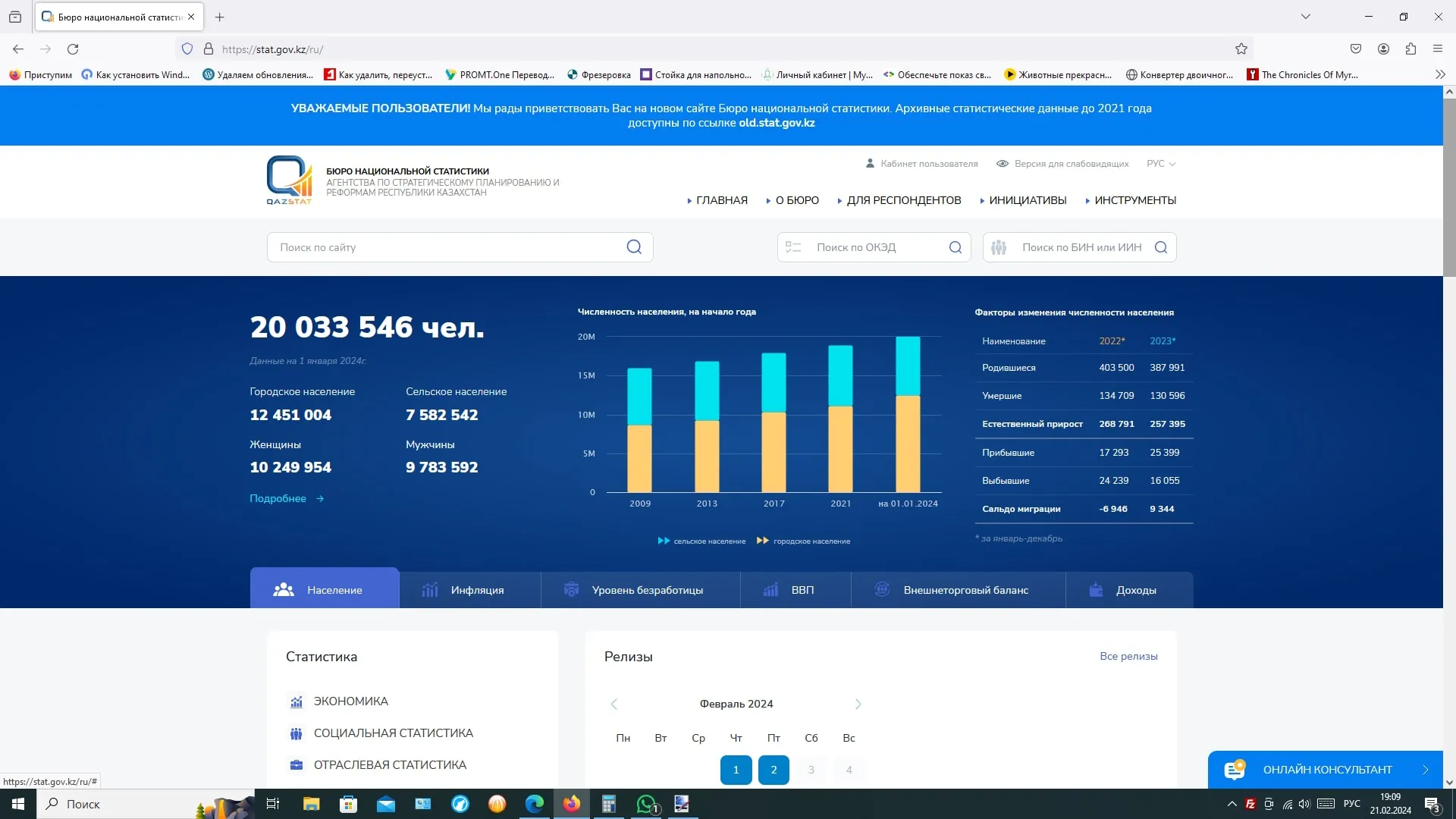
You need to register on stat.gov.kz and activate the account through the email you will be sent. Go to https://stat.gov.kz/ and open the “Respondent’s Cabinet” section (Кабинет респондента) — you will be redirected to cabinet.stat.gov.kz. In the Respondent’s Cabinet, sign in with your digital signature and pick the CALENDAR tab (КАЛЕНДАРЬ) in the top menu. This matters: follow your own common sense and use the other tabs, and you will not be able to file the report at all. In the calendar section, find the 01-IP PROM report (01-ИП ПРОМ) in the “OTHER REPORTS FOR THIS DATE” block (ПРОЧИЕ ОТЧЕТЫ НА ЭТУ ДАТУ). If you have found it — congratulations, you are close. Click the “SUBMIT REPORT” (ОТПРАВИТЬ ОТЧЕТ) button next to it. You will be redirected to a new page, online.stat.gov.kz:8888 (8888 is the port number; yours may be different). At the top of the screen, click the button with the folder icon labelled “OPEN” (ОТКРЫТЬ), select your business, click “SELECT” (ВЫБРАТЬ), then “NEW report” (НОВЫЙ отчет). Open the form and fill it in.
Filling in the data:
In the field “Names of product types by KPV” (the Classifier of Products by Type of Activity) you need to pick your OKED. If you do not know your OKED, the only method that actually works online is the KASPI.KZ mobile app (Government services -> Change sole trader details -> (consent to data processing) -> look at the item “MAIN TYPE OF ACTIVITY”. There you will find a name and digits, for example: 31.09.0. That is the OKED, which the statistics service normally writes without the dots — 31090). Now type the name of your activity into the KPV field. A list matching your line of work will appear; choose the right option (if you are not sure, it is better to ask a specialist). As one option, you can enter 310912400 for the KPV code (Individual wooden items for cabinet furniture). Next, for units of measurement the system will offer “pieces” or “thousands of pieces” (depending on what you chose). Enter the volume of production for last year (2022) and for the reporting year (2023). The final section totals up the turnover for 2022 and 2023: divide the figure you get by 1000 and enter it in the field.
The details that matter:
Watch out for the “TIME SPENT” field. I suggest putting 40 hours, because the whole thing really is that convoluted, and the developers ought to have sorted this reporting mess out for the sake of the people using it. (If you leave this field empty, the system throws an error and will not let you send the report.) Now open the “PREPARER’S DETAILS” tab and fill in the name of the person who prepared the report, the respondent’s telephone (landline), the city number, the mobile and the e-mail. Click “Save”, just in case. On saving, the system checks that everything has been filled in correctly and, if there are errors, tells you which fields to fix.
The home straight:
Click “SUBMIT”, sign the report with your digital signature, and wait. Do not leave the page, which, as usual, may freeze. As a certain TV presenter used to say: “That is normal!” Wait until a window appears telling you the report has been accepted. Now you can have a cup of tea or coffee. The report is filed, and nobody will bother you for the next 1 year.